Uploading calls
An uploads collection takes recordings you upload in the browser: calls exported from your phone system, or a few to try WhatCameUp with.
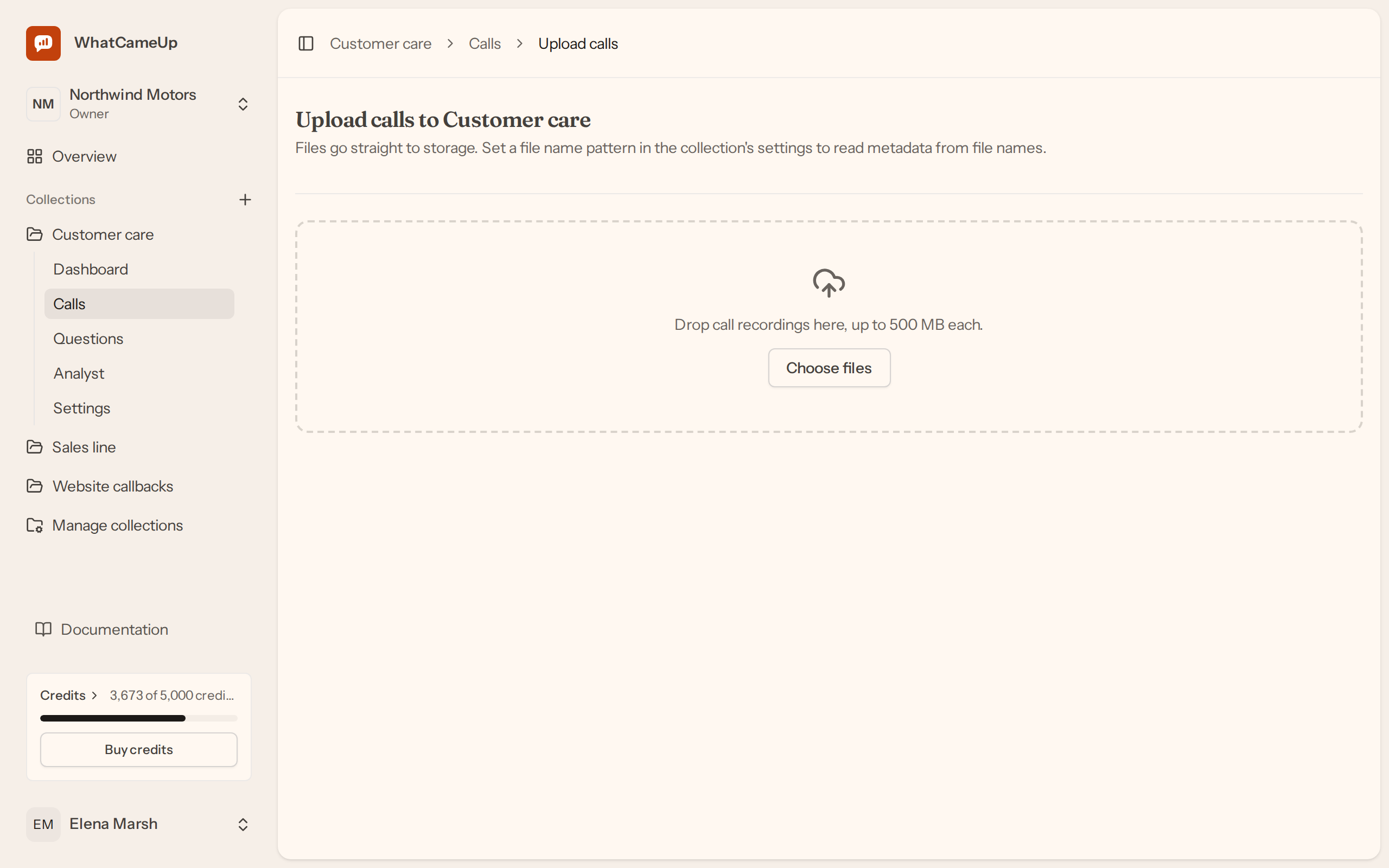
Uploading
Open the collection's Calls in the sidebar and choose Upload calls. Drop your files on the page, or choose them. You can upload many at once; each goes straight to secure storage, and shows its progress until it is in.
- Formats: AAC, AMR, FLAC, GSM, M4A, MP3, MP4, OGA, OGG, OPUS, WAV, WEBM, WMA.
- Size: up to 500 MB a file.
Each recording becomes a call in the collection. If the collection has a file name pattern, the details in each file name become the call's metadata, and the call's time comes from the date and time in the name. Otherwise the call is dated by when it was uploaded.
If two recordings in a collection carry the same call ID, as when a call was transferred, the later one is marked as a duplicate, so the call isn't counted twice on the dashboard.
After uploading
What happens next depends on the collection's When new calls arrive setting: each call is transcribed, or transcribed and analysed, as soon as it arrives, or waits in the collection's Calls as Not processed until you choose to process it. See Processing calls.
How long uploaded audio is kept
We keep the audio you upload, or send through the API, for as long as your plan allows: 3 months on Starter and during the free trial, 6 months on Growth and 12 months on Scale. After that the audio is removed, and the call keeps its transcript, analysis and answers. Audio in your own bucket is never touched. See Team, credits and privacy.