Team, credits and privacy
Members and roles
Invite colleagues in Settings → Members. Everyone in a team sees its calls and dashboards, processes calls, and exports them. What else they can do depends on their role:
- Owners and admins manage the team: its collections, buckets, questions, API tokens and members, its credits and plan. They can also delete calls.
- Members read calls and dashboards, process calls, and export them.
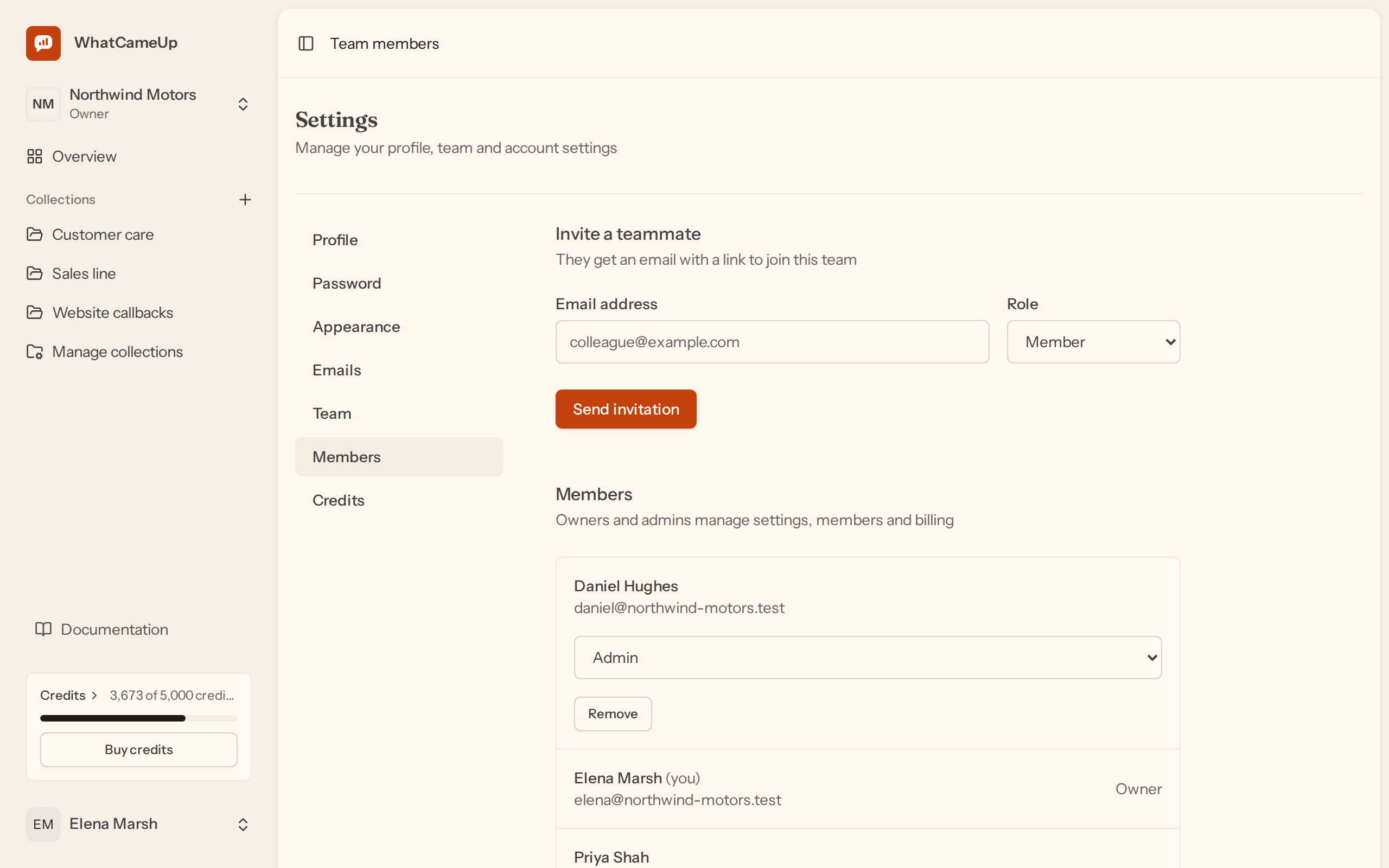
You can belong to several teams, and switch between them from the menu at the top of the sidebar.
Team settings
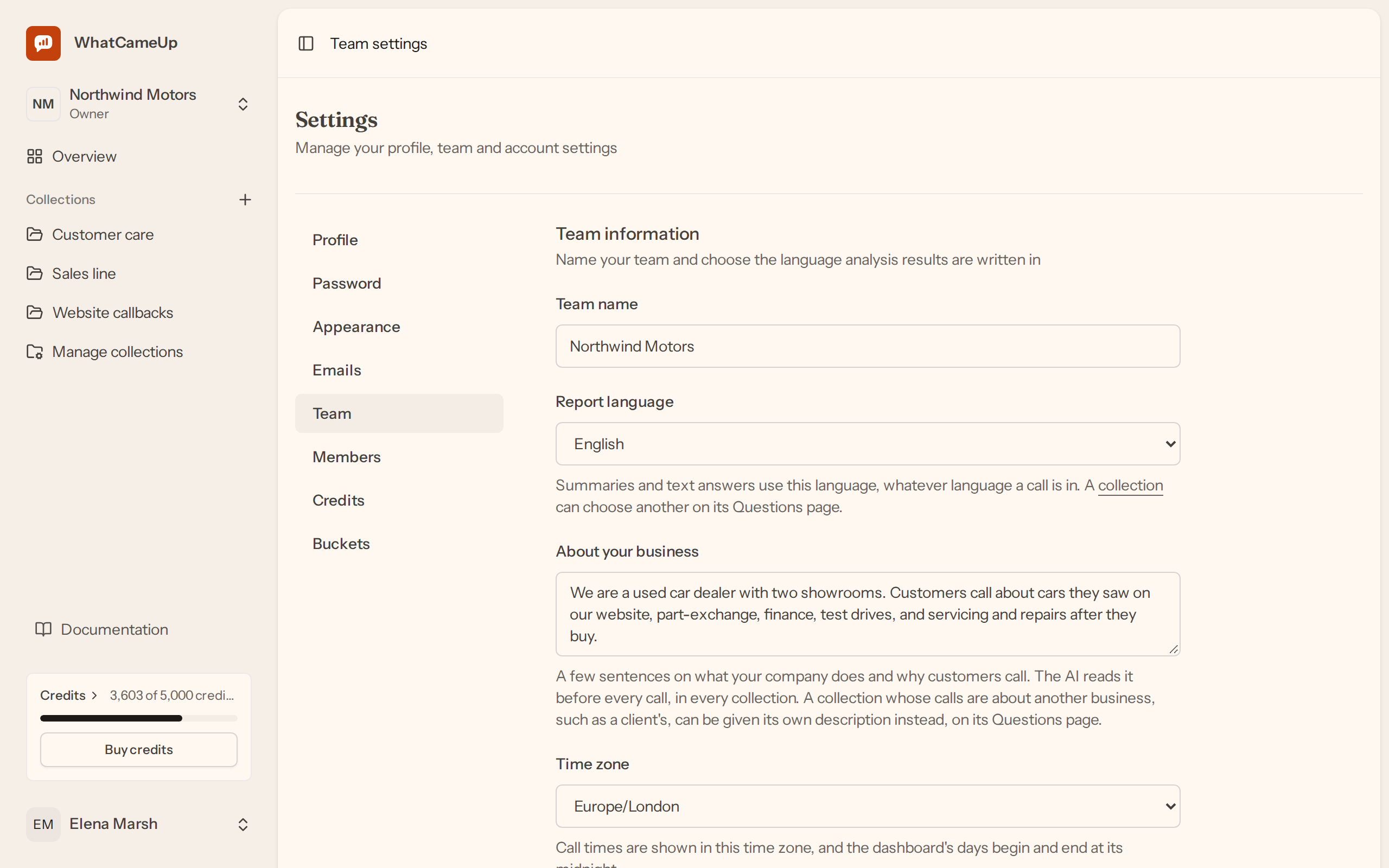
In Settings → Team, set the team's name, the report language its summaries and answers are written in, a description of its business for the AI, and the time zone its dashboards and call times follow. Every collection uses the team's description of the business, unless it is given its own in its Settings → Analysis, for calls about another business, such as a client's. See Collections.
Your emails
Besides emails about your account, each collection emails you its report on the week just ended. Choose which collections do in Settings → Emails, or stop one from the link at the bottom of its email. See Dashboards, reports and exports.
Credits
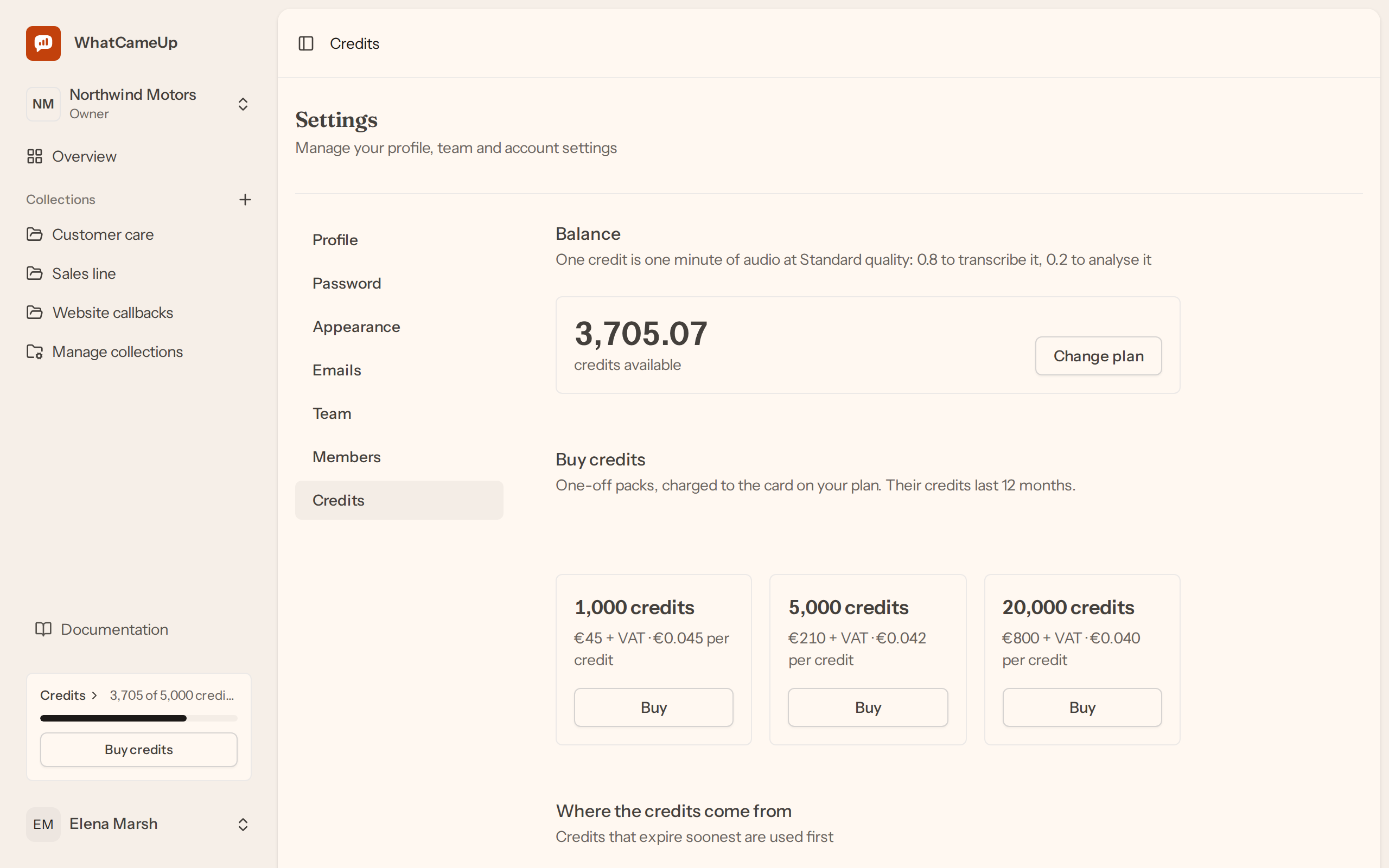
A credit is a minute of call audio, counted to the second. Transcribing a call costs 0.8 credit a minute and analysing it 0.2, so a call transcribed and analysed costs a credit a minute, its answers included. A call sent as its transcript costs only the analysis. Analysing a call again, and answering questions for calls you already have, also cost 0.2 credit a minute. Bringing calls in, the dashboards and exports are free, and so are reports and their PDFs, and the weekly emails. Drafting questions and the AI Analyst, its briefings and questions to it, come with a plan or the free trial, within a fair-use limit; see AI Analyst.
Every new team gets 300 free credits to start. Plans add credits every month; unused plan credits carry over to the next month, then expire. Teams on a plan can also buy credit packs, which last a year. See Pricing.
Owners and admins see the team's balance, what its calls used, and buy more in Settings → Credits.
How long call content is kept
By default, a team keeps its calls' content for as long as it has them. In Settings → Team, owners and admins can choose to keep it for 1 month, 3 months, 6 months, 12 months, 24 months, 36 months instead. Each night, calls older than that lose their content: the transcript, the summary and reason, text answers, their metadata and the call details answers quote, and any audio we hold. Their figures stay, such as the sentiment, the yes or no answers, their lengths and their wait and talk times, so dashboards still add up.
Separately, the audio we hold for calls uploaded or sent through the API is kept for 3 months on Starter and during the free trial, 6 months on Growth and 12 months on Scale. After that the audio is removed and the call keeps everything else. Audio in your own bucket is never touched.
Deleting calls
Owners and admins can delete a single call from its page, with everything held about it, for example when someone asks for their data to be erased. They can also delete several calls at once from the list, or every call it shows. A recording in your own bucket stays there, and is not imported again. See Calls.